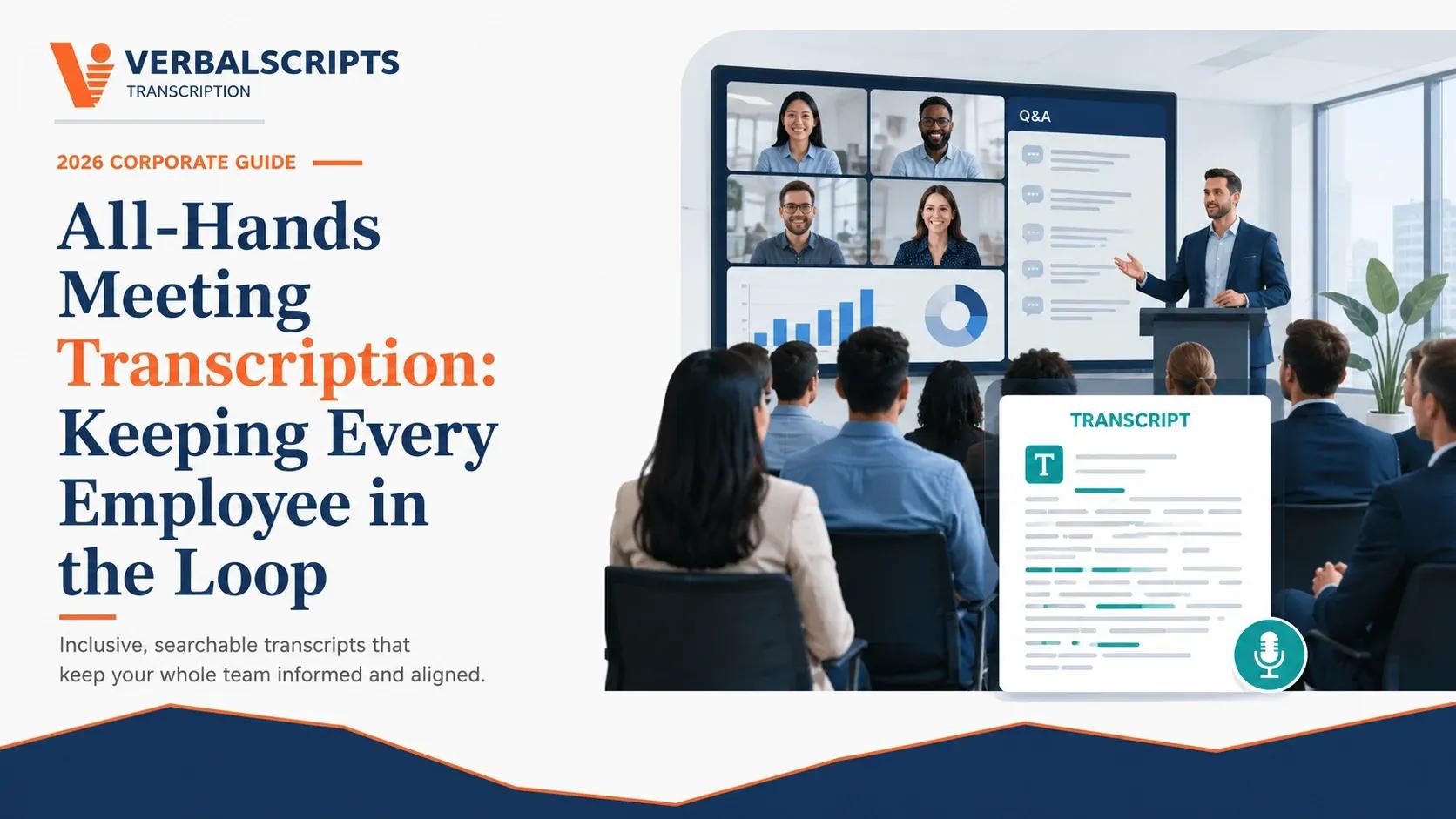
All-Hands Meeting Transcription: Keeping Every Employee in the Loop
Contents
Quick answer: All-hands meeting transcription gives employees a searchable written record of leadership updates, product direction, policy changes, financial context, Q&A, and commitments. For distributed or asynchronous teams, a transcript can be more useful than a recording alone because employees can scan, search, quote, translate, and revisit details. When the recording is posted as synchronized media, captions and accessible text also support broader accessibility.[1]
Key takeaways
• Leadership announcements and business context.
• Publishing confidential financial, hr, or customer information too broadly.
• Separate the internal archive from any public excerpt.
• Human review should be matched to the risk of the transcript’s downstream use.
• Ask the vendor to define security, turnaround, formatting, and what is included in the quoted price.
Why this transcription workflow matters in 2026
Recorded speech has become a routine business record, but a recording is difficult to search, quote, compare, audit, or move into a structured workflow. Give distributed teams a dependable written record of company updates, decisions, questions, and action items. The practical goal is not merely to turn sound into words. It is to create a dependable text asset that preserves the facts people will rely on later.
For all-hands meeting transcription, the best process starts by defining the downstream use. A rough internal transcript can tolerate more uncertainty than a record that will influence a legal decision, patient documentation, employee action, research coding, public communication, or investor disclosure. That is why the right combination of audio quality, instructions, human review, security, and formatting matters more than a headline accuracy percentage.
What a high-quality transcript should capture
A useful transcript should make the original recording easier to verify, not harder. Before a project starts, define which details are essential and which are optional. For this use case, the specification should normally address:
• Leadership announcements and business context.
• Questions from employees and complete answers.
• Policy or benefits changes stated during the meeting.
• Decisions, owners, deadlines, and promised follow-up.
• Speaker names, sections, and timestamps for navigation.
When a word cannot be confirmed from the recording, the safer editorial choice is usually to flag the uncertainty using the agreed notation instead of guessing. This is especially important for proper names, numbers, medications, legal terms, financial figures, and statements that change meaning when a single word is wrong.
Where organizations use these transcripts
The same recording can serve different departments once it is converted to structured text. Common workflows include:
• Asynchronous employee updates.
• Onboarding and institutional memory.
• Internal communications drafting.
• Action-item verification.
• Accessible archives and multilingual follow-up.
The format should follow the use. A searchable internal archive may need clean speaker labels and timestamps; a publication may need editorial cleanup; an evidentiary or regulated workflow may require stricter verbatim rules, certification, authorization, or preservation of source files. Do not assume one transcript format is correct for every downstream purpose.
The mistakes that create the most risk
Most transcription failures are not caused by typing speed. They come from unclear scope, poor source audio, missing context, overconfident automation, inconsistent style, or weak data handling. Watch for the following:
• Publishing confidential financial, hr, or customer information too broadly.
• Assuming auto captions are a perfect record.
• Removing difficult employee questions during cleanup.
• Poor speaker identification in hybrid rooms.
• Leaving old transcripts accessible after permissions or employment status change.
A mature workflow treats the transcript as a controlled derivative of the recording. The source audio remains available for verification, the delivered version is clearly labeled, edits are traceable where the risk justifies it, and the team knows who is authorized to approve the final document.
Best-practice workflow: from recording to approved transcript
1. Separate the internal archive from any public excerpt.
2. Collect agenda, speaker list, acronyms, and slide deck before transcription.
3. Use clean verbatim for readability but preserve substantive wording.
4. Include time markers at topic changes.
5. Apply role-based access to sensitive meetings.
6. Turn final transcripts into summaries only after the source transcript is reviewed.
For recurring work, convert these steps into a one-page transcription style guide. Include speaker-label rules, timestamp frequency, verbatim level, treatment of inaudibles, capitalization of products and acronyms, number formatting, redaction conventions, file naming, and the approval contact. A small style guide prevents repeated corrections across dozens or hundreds of files.
Human transcription, AI, and hybrid review
Automation can be valuable for quick search, rough notes, and high-volume first passes. Human transcription and review add the ability to reason from context, verify speakers, research proper names, follow a style guide, and mark genuine uncertainty. The correct mix depends on risk. Routine internal calls may be suitable for an AI-assisted workflow; high-stakes legal, HR, clinical, financial, or public records often justify stronger human verification.
Do not buy a percentage in isolation. Ask how the vendor measures quality, whether the reviewer listens to the source audio, how corrections are handled, and what happens when the recording is genuinely unclear. The transcript should be defensible because of the process behind it, not because a marketing page promised a number.
How to evaluate a transcription vendor
Before sending sensitive or high-volume recordings, ask operational questions that can be answered in writing:
• Corporate confidentiality.
• Hybrid meeting speaker labeling.
• Presentation terminology and acronyms.
• Fast turnaround after company-wide events.
• Caption or subtitle file outputs when needed.
• Consistent formatting across recurring all-hands.
Also ask who has access to recordings, whether subcontractors are used, where files are stored, how long source audio and transcripts are retained, how correction requests work, and whether the quoted turnaround includes the final review step. Those details become more important as the transcript moves closer to a legal, clinical, financial, HR, or research decision.
Compliance and accuracy note
A transcript and captions solve different problems. Captions are synchronized with video; a transcript is a separate text record that is easier to search and reuse. WCAG requires captions for prerecorded synchronized media at Level A.[1] Organizations should assess their specific accessibility obligations rather than assuming a transcript alone is sufficient.
How Verbalscripts can support this workflow
Verbalscripts provides human-reviewed transcription for legal, medical, research, corporate, government, and media workflows. Start with the Corporate & General Business Transcription, Audio & Video Transcription, General Transcription Services, and How Verbalscripts Protects Confidentiality & Security. For a project-specific estimate, requirements review, or large-volume workflow, request a quote.
For the strongest quote, include total recorded minutes, typical speaker count, audio sample, required verbatim level, timestamps, formatting/template needs, deadline and time zone, confidentiality/compliance requirements, and whether the final transcript will be used internally, publicly, clinically, academically, or in a legal proceeding.
Frequently asked questions
What is the best format for all-hands meeting transcription?
Use a format that matches the downstream workflow. Word is common for editable documents; PDF is useful for controlled review; plain text can feed analysis systems; SRT/VTT is appropriate for captions. Legal or regulated work may require a specific template, page layout, certificate, or authorized producer.
Should I choose clean verbatim or full verbatim?
Clean verbatim removes non-substantive fillers and obvious false starts while preserving meaning. Full verbatim keeps more speech detail and may be preferable for evidentiary, qualitative-research, linguistic, HR-investigation, or disputed-content use. Define the rule before production begins.
Do timestamps increase transcription cost?
Often, yes. Timestamps add production and QA work, especially when they are required frequently or must match video frames precisely. Cost can usually be controlled by using timestamps at speaker changes, paragraph intervals, topic changes, or only around unclear/disputed sections.
Can AI be used to reduce cost?
Yes, for suitable recordings and low-risk uses. The important question is what happens after the AI output is created. If the transcript will drive a consequential decision, request human verification against the source audio and confirm which parts of the file receive that review.
What should I send with the audio?
Send a speaker list, spellings, agenda or case/project context, glossary, relevant documents, formatting sample, deadline, verbatim preference, timestamp rules, redaction instructions, and a short explanation of how the transcript will be used. Context reduces avoidable errors.
How do I get an accurate quote?
Provide the actual duration and a representative audio sample. State the number of speakers, audio quality, industry, turnaround, format, timestamps, verbatim level, and any compliance or certification requirement. A precise specification is the fastest way to avoid surprise charges.
To continue planning your project, review Corporate & General Business Transcription, Audio & Video Transcription, General Transcription Services, How Verbalscripts Protects Confidentiality & Security, and Get a Transcription Quote These resources explain relevant services, delivery considerations, and next steps.
References and external sources
1. World Wide Web Consortium. WCAG 2.2 - Captions (Prerecorded). https://www.w3.org/TR/WCAG22/ (accessed August 10, 2026).
2. Federal Trade Commission. Start with Security: A Guide for Business. https://www.ftc.gov/business-guidance/resources/start-security-guide-business (accessed August 10, 2026).
Need a transcript you can actually use?
Send Verbalscripts your recording, deadline, and formatting requirements for a project-specific quote.
Regulations, platform features, vendor prices, and court requirements can change. Verify current rules and pricing before publication or reliance. This article provides general information and is not legal, medical, accounting, or compliance advice.
Subscribe to our newsletter.
Get latest updates for our Articles & Blogs. We post fresh content every week.
- Weekly articles
- Stay updated with our weekly articles covering various topics.
- No spam
- We respect your inbox. No spam, just valuable content.

Sign up for our monthly newsletter