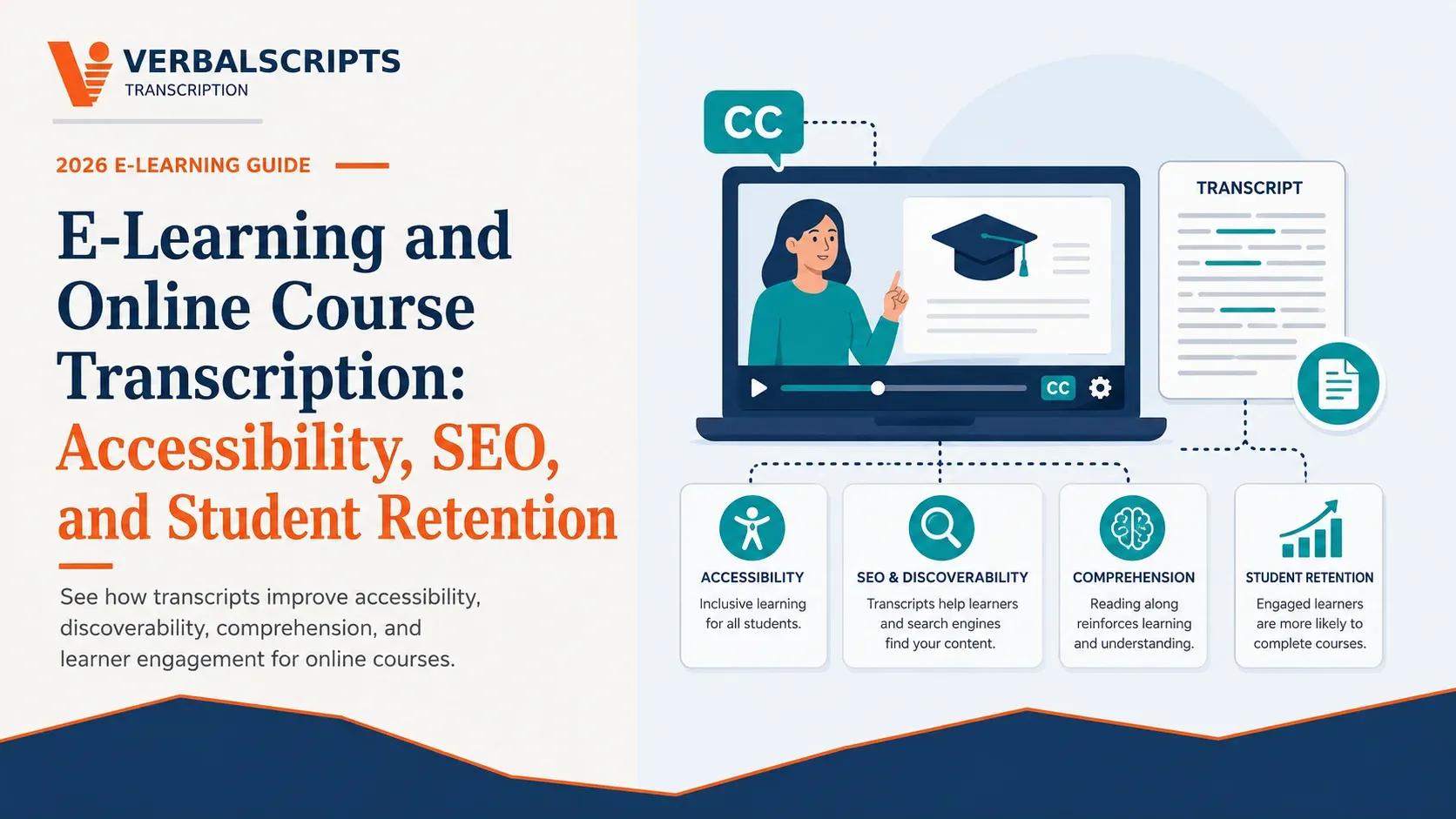
E-Learning and Online Course Transcription: Accessibility, SEO, and Student Retention
Contents
How course teams use accurate transcripts alongside captions to improve navigation, accessibility workflows, repurposing and discoverability—without making unsupported SEO or accessibility claims.
Quick answer: For prerecorded online courses with audio, accurate captions are a core accessibility requirement under WCAG 2.2 Success Criterion 1.2.2 for synchronized media; a plain transcript is useful but is not automatically a substitute for synchronized captions. Publish well-structured transcripts when they genuinely help learners: headings, speaker labels, timestamps and links to course sections can support search/navigation, study and content reuse. Treat SEO as a secondary benefit of useful indexable text, not a ranking guarantee.
Key takeaways
• For prerecorded synchronized media, WCAG 2.2 includes a captions requirement; transcripts and captions serve overlapping but different purposes.
• A high-quality course transcript should preserve terminology, names, formulas/numbers and speaker attribution, not simply dump raw ASR text.
• Use timestamps and headings so students can move between text and the exact video segment.
• Search visibility is not guaranteed by adding a transcript; publish original, useful, accessible text designed for the learner first.
• If course recordings include student information, align transcription access and sharing with institutional FERPA/privacy rules.
Captions and transcripts are not the same deliverable
Captions are synchronized with the media and communicate spoken dialogue and relevant non-speech audio. A transcript is usually a separate text representation that can be searched, scanned, printed or repurposed. Some learners benefit from both.
W3C’s WCAG 2.2 guidance includes Success Criterion 1.2.2 requiring captions for prerecorded audio content in synchronized media, subject to the criterion’s scope/exceptions. U.S. DOJ guidance also explains that web accessibility obligations may apply under the ADA depending on the entity/context. Course teams should have accessibility professionals interpret the requirements for their program.
What makes a course transcript genuinely useful
1. Descriptive course/module title and lesson number.
2. Speaker/instructor labels where multiple speakers appear.
3. Correct domain terminology, names, equations/numbers and acronyms.
4. Readable paragraphs rather than raw word-by-word ASR output.
5. Timestamps at chapters/topics or regular intervals for navigation.
6. Clear notation for relevant non-speech information when needed for context.
7. Headings matching lesson structure.
8. Links to slides, readings or definitions where appropriate on the web page.
9. A correction process when students or faculty flag errors.
Accessibility workflow: start from the media, not the transcript
For video, generate or transcribe the spoken content, then edit timed captions against the actual media. Check timing, speaker changes, sound cues, line breaks and terminology. The standalone transcript can be produced from the verified text but formatted for reading rather than caption display.
Do not market a transcript as a universal accessibility substitute. Learners have different needs, and synchronized captions, transcripts, audio description and accessible player/page design solve different problems.
SEO and discoverability without overclaiming
A transcript page can expose useful subject-matter text that would otherwise exist only in audio/video, and it can support internal linking, topic navigation, quotations and long-tail informational pages. But search ranking depends on many factors; copying an unedited machine transcript beneath every video is not a guaranteed SEO strategy.
Create a learner-first page: concise lesson summary, descriptive H1/H2s, verified transcript, chapter timestamps, related resources and clear canonical/indexing strategy. Avoid keyword stuffing and boilerplate duplicated across courses.
Student retention and learning workflow
Transcripts can make it easier to revisit a term, copy a quotation into notes, search for where a concept was explained and study in low-audio/no-audio environments. These are plausible usability benefits; do not promise a specific retention percentage without evidence from your own course analytics or research.
Measure your own effect: transcript usage, search clicks, chapter jumps, support tickets, caption corrections, lesson completion and student feedback. Use A/B or cohort comparisons carefully where appropriate.
University/privacy considerations
If recordings contain identifiable students, class discussion, disability information, advising or other protected education records, the institution should determine what may be shared with a transcription provider and under which FERPA exception/contract controls. Public course content has a different risk profile from a private seminar or research interview.
Minimize unnecessary student data, use approved transfer, control reviewer access, set retention, and publish only content cleared for the intended audience.
Production checklist
1. Prepare: Glossary, slides/terms, names, output and accessibility requirements
2. Transcribe: Human or AI+human process appropriate to risk/volume
3. Verify: Terminology, names, formulas/numbers, speakers, uncertainty
4. Caption: Synchronize and edit caption timing/display against video
5. Transcript page: Headings, paragraphs, timestamps, navigation, related links
6. Accessibility QA: Keyboard/player/page/caption checks under institutional process
7. Privacy review: Student/guest permissions, FERPA/institution rules
8. Measure: Usage, search, feedback and corrections
Bottom line
For online learning, the strongest deliverable is not “a transcript for SEO.” It is verified course text integrated into an accessible media and learning workflow. Captions satisfy a time-synchronized need; transcripts support reading, search, study and reuse.
Use accurate text, learner-centered structure and privacy-aware publishing. Search visibility and engagement improvements should be measured rather than promised.
For more detail, explore these Verbalscripts resources on verbalscripts.
• Video transcription - Video workflows.
• Transcription for university professors - Academic use cases.
• IRB-compliant research transcription - IRB and research privacy.
• Transcription services - Service overview.
• Compare human transcription services - Human-service comparison.
Frequently asked questions
Do online courses need captions or transcripts?
Requirements depend on context, but WCAG 2.2 includes captions for prerecorded synchronized media. A transcript is useful but is not automatically a substitute for synchronized captions.
Do transcripts improve SEO?
They can make useful spoken content available as indexable text and support internal linking/topic structure, but there is no guaranteed ranking increase. Publish verified, useful content for learners first.
Should course transcripts include timestamps?
Often yes. Chapter/topic timestamps help students jump back to the exact video segment and make long transcripts easier to navigate.
Can AI generate course transcripts?
Yes, but domain terms, names, accents, formulas and multi-speaker discussion should be reviewed before publishing or using the text for captions.
Does FERPA apply to course recordings?
It can when recordings contain personally identifiable information from education records or are otherwise maintained as protected education records. Institutions should classify the record and approve vendor/publication workflows.
References and further reading
1. W3C: WCAG 2.2 - Web accessibility standard.
2. W3C: Captions (Prerecorded) - Captioning guidance.
3. U.S. DOJ: Guidance on Web Accessibility and the ADA - Official accessibility guidance.
4. U.S. Department of Education: FERPA - Official FERPA overview.
5. U.S. Department of Education: Who is a school official under FERPA? - Third-party contractor conditions.
Accessibility and education-record obligations depend on the organization and content. This article is general information, not legal or accessibility conformance advice. Validate against your institution’s accessibility/privacy program.
Subscribe to our newsletter.
Get latest updates for our Articles & Blogs. We post fresh content every week.
- Weekly articles
- Stay updated with our weekly articles covering various topics.
- No spam
- We respect your inbox. No spam, just valuable content.

Sign up for our monthly newsletter