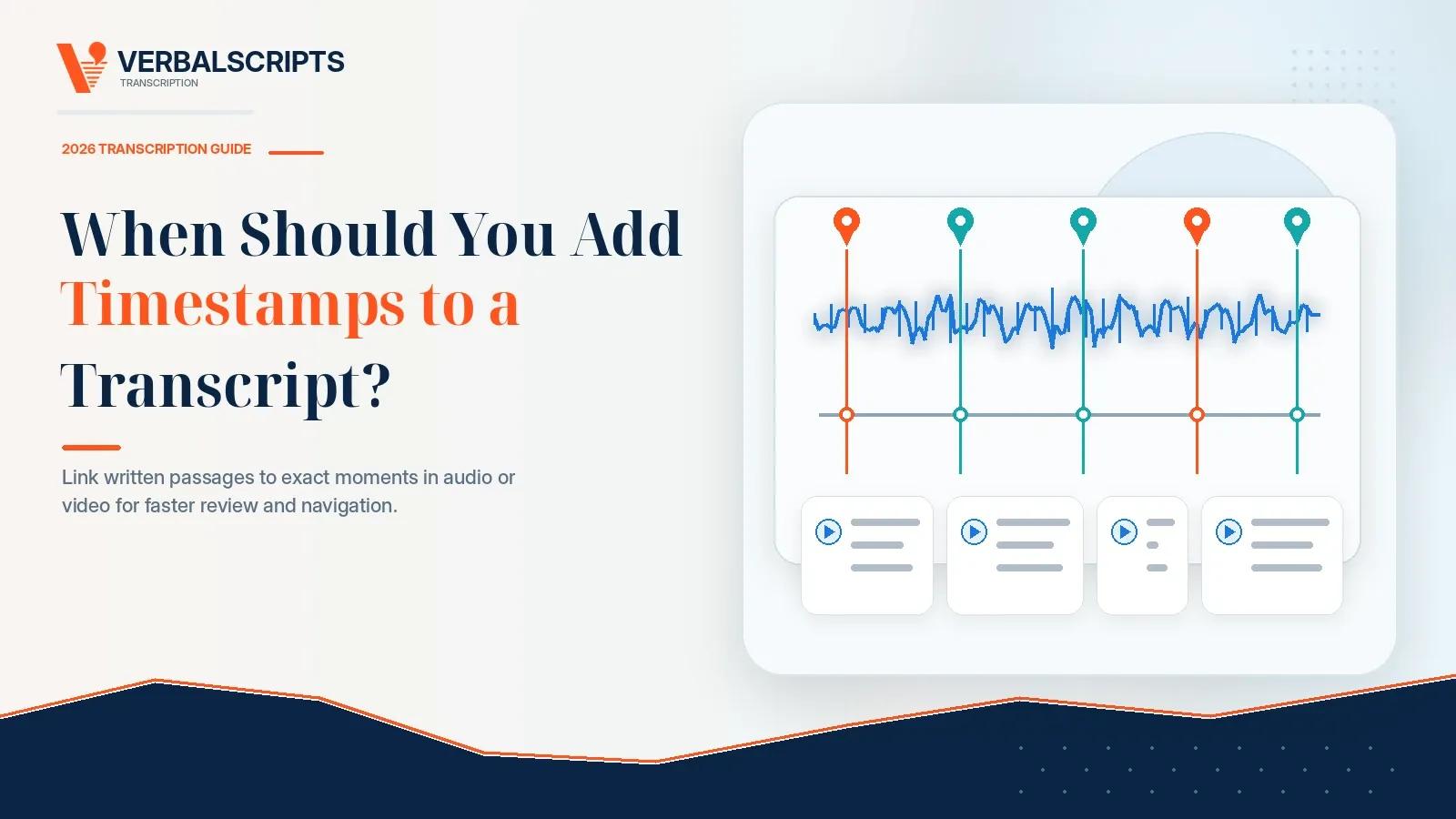
When Should You Add Timestamps to a Transcript?
Contents
Quick answer: Add timestamps when the reader needs to move from the written transcript to a precise moment in the recording. They are valuable for legal review, research coding, video editing, quality assurance, captions, interviews, investigations, and marking unclear speech. A plain readable transcript may not need them. Choose the least frequent timestamp pattern that still supports the intended workflow.
Which timestamp style should you choose?
General reference
Recommended timestamp style: Every 2–5 minutes
Typical example: [00:10:00]
Detailed audio review
Recommended timestamp style: Every 30–60 seconds
Typical example: [00:12:30]
Interviews and focus groups
Recommended timestamp style: At each speaker change or question
Typical example: [00:14:22] Interviewer:
Legal or investigative review
Recommended timestamp style: Speaker-change, paragraph, or event-based
Typical example: [01:03:18] Witness:
Marking unclear speech
Recommended timestamp style: Only beside the issue
Typical example: [inaudible 00:47:11]
Video editing
Recommended timestamp style: At each selected quote or scene
Typical example: 00:18:42–00:19:08
Captions and subtitles
Recommended timestamp style: Synchronized cue start and end times
Typical example: 00:00:12.500 --> 00:00:15.200
Searchable archive
Recommended timestamp style: Chapter or topic timestamps
Typical example: [00:35:00] Budget discussion
There is no universal best interval. The correct pattern depends on what the reader will do with the transcript.
What is a transcript timestamp?
A timestamp—also called a timecode—shows where a passage occurs in the source audio or video. Most transcript timestamps use elapsed media time:
00:08:17 means eight minutes and seventeen seconds from the start;
01:24:09 means one hour, twenty-four minutes, and nine seconds from the start.
A timestamp can identify:
a speaker change;
a paragraph;
an interview question;
a topic change;
a quotation selected for editing;
an exhibit or event;
an inaudible or uncertain word;
a break or interruption; or
the start and end of a caption cue.
Timestamps are navigation tools. They do not improve the underlying audio or prove that a passage is accurate. The transcript still needs to be checked against the correct version of the recording.
When are timestamps worth adding?
1. When reviewers must verify the transcript against the recording
Attorneys, researchers, journalists, editors, investigators, and quality teams often need to hear the original delivery. Timestamps let them jump directly to the relevant moment instead of scrubbing through a long file.
A timestamp beside every speaker change may be useful for a multi-party hearing. A timestamp every five minutes may be enough for an internal meeting record.
2. When the transcript will be used for video or podcast editing
Editors need accurate in-and-out points for quotes, clips, scenes, and corrections. A timecoded transcript can function as a paper edit:
Opening explanation
Start: 00:02:14
End: 00:03:07
Notes: Strong introduction
Client example
Start: 00:18:42
End: 00:19:31
Notes: Remove long pause
Closing statement
Start: 00:44:05
End: 00:44:29
Notes: Possible social clip
Event-based timecodes are usually more useful for editors than arbitrary timestamps every minute.
3. When researchers code or audit interviews
A qualitative researcher may attach a code to a passage and later return to the audio to check tone, hesitation, or context. Speaker-change or paragraph timestamps support audit trails without making every line visually heavy.
For multi-person studies, combine timecodes with consistent speaker identification. The Verbalscripts academic and conference service can apply participant codes, research-specific conventions, and timestamps.
4. When a legal or investigative team needs rapid navigation
A timecoded transcript can help a team locate testimony, admissions, disputed passages, objections, exhibits, or points that require follow-up. The exact format should match the attorney's workflow and any receiving-body requirement.
Legal clients should not assume that timestamps replace official transcript conventions or certification. Confirm the required format with the court, agency, attorney, or institution. The Verbalscripts legal transcription service can quote custom legal formatting and timecodes.
5. When speech is inaudible or uncertain
A timestamp makes an unclear marker actionable:
[Inaudible 00:31:14]
The client can replay that exact passage, compare another recording, ask a participant, or provide the missing term. A marker that says only [inaudible] is much harder to investigate in a two-hour file.
Use the workflow in How to Transcribe Poor-Quality Audio Accurately when the recording has noise, low volume, echo, or distortion.
6. When a transcript supports captions or subtitles
Captions are synchronized text that represents speech and relevant non-speech audio. The W3C explains that captions should include the information needed to understand the audio, including speaker identification and meaningful sounds, and should be synchronized with the media. See the W3C captions overview and WCAG guidance for prerecorded captions.
A normal transcript with a timestamp every minute is not a finished caption file. Captioning usually requires:
start and end time for each cue;
readable cue duration;
line-length and line-break decisions;
synchronized placement;
speaker and sound information where needed; and
a delivery format such as SRT or WebVTT.
The WebVTT specification defines timed text cues for web media. The U.S. Federal Communications Commission describes accuracy and synchronization among the quality components of television closed captions in its consumer guide to closed captioning.
7. When an archive needs topic-level navigation
A public meeting, oral-history interview, training recording, or long webinar may benefit from chapter timestamps:
[00:00:00] Introductions
[00:12:40] Project background
[00:35:18] Budget discussion
[01:07:52] Public questions
Topic-level timestamps support discovery without cluttering every paragraph.
When do you not need timestamps?
Skip or minimize them when:
the transcript is short and easy to scan;
the document will be read independently of the recording;
no one expects to verify quotations against audio;
the transcript is being turned into polished prose rather than an audit record;
timestamps would distract from readability; or
the receiving body does not require them.
A 12-minute, two-speaker client call may be perfectly usable with speaker labels and no periodic timecodes. Adding a timestamp every 15 seconds would increase cost and visual clutter without solving a real problem.
What are the main types of transcript timestamps?
Periodic timestamps
Timecodes appear at a fixed interval, such as every 30 seconds, one minute, two minutes, or five minutes.
Best for: general navigation and quality review.
Advantages: predictable and easy to scan.
Limitations: a timestamp may fall in the middle of a sentence or far from the exact quote the user needs.
Speaker-change timestamps
A timecode appears whenever a new speaker begins.
Best for: interviews, meetings, hearings, focus groups, and participant analysis.
Advantages: connects identity and time.
Limitations: very rapid exchanges can create a dense page and increase production time.
Paragraph or question timestamps
A timecode appears at the beginning of each paragraph, answer, or interview question.
Best for: readable long-form transcripts that still need reliable navigation.
Advantages: more useful than arbitrary intervals for many review tasks.
Limitations: paragraphing is an editorial decision, so timecode density can vary.
Event-based timestamps
Timecodes mark selected moments such as an exhibit, slide, topic, scene, objection, applause, equipment failure, or quote.
Best for: video editing, investigations, hearings, archives, and content production.
Advantages: highly relevant and less cluttered.
Limitations: requires clear instructions about which events matter.
Inaudible and uncertain timestamps
Timecodes appear only where speech cannot be resolved or attribution is uncertain.
Best for: almost any professional transcript with occasional difficult passages.
Advantages: makes questions easy to review.
Limitations: not a general navigation system.
Caption and subtitle cue timestamps
Each text cue has a start and end time, often to the millisecond.
Best for: synchronized on-screen text.
Advantages: required for captions and subtitles.
Limitations: much more detailed than ordinary transcript timecoding and requires caption-specific quality control.
Word-level timestamps
Every word receives a time value, usually as machine-readable data.
Best for: search, karaoke-style highlighting, speech analytics, dataset alignment, or specialized editing tools.
Advantages: extremely precise for technical applications.
Limitations: unnecessary for ordinary reading, more expensive to validate, and often unsuitable as visible page formatting.
What timestamp format should you use?
Bracketed elapsed time
[00:14:22]
This is common, readable, and easy to search.
Elapsed time without brackets
00:14:22
Useful in tables, scripts, and production logs.
Hours, minutes, seconds, and frames
01:14:22:18
Used in professional video workflows. The final number represents frames, not hundredths of a second. The editor must specify frame rate and whether the timecode is drop-frame or non-drop-frame.
Start-and-end range
00:14:22–00:14:47
Useful for selected quotes, scenes, caption cues, and redaction logs.
Clock time
2:14:22 p.m.
This represents time of day rather than elapsed media time. Use it only when the source contains reliable real-world clock information or the workflow requires synchronized incident time.
Do not mix clock time and elapsed media time without labeling them clearly.
How often should timestamps appear?
Use the lowest frequency that still supports the task.
Every five minutes
Good for topic navigation in a long but low-risk recording.
Every two minutes
A practical middle ground for general review.
Every minute
Useful when reviewers regularly compare text and audio.
Every 30 seconds
Useful for detailed review but visually denser and more time-consuming.
Every 10–15 seconds
Usually reserved for specialized workflows. It can overwhelm a normal transcript.
At each speaker change
Best when speaker turns are the natural unit of review.
Only at important moments
Best when the user knows exactly what must be located.
A provider may charge more as timestamp frequency increases. One published rate calculator, for example, scales its timestamp add-on from 60-second intervals to 10-second intervals, reflecting the added labor. See GMR Transcription's published calculator for a market example—not a Verbalscripts price quote.
Do timestamps increase transcription cost and turnaround?
Usually. The impact depends on:
frequency;
precision;
whether start and end times are needed;
whether the file has been edited;
number of speaker changes;
caption or subtitle rules;
whether timecodes must align to a source timecode rather than elapsed time; and
the required review level.
A timestamp every five minutes adds less work than synchronized caption cues or word-level alignment. Include the exact timestamp requirement when requesting a transcription quote.
For broader budgeting, read How Much Does Professional Transcription Cost in 2026?.
How can timestamps go wrong?
The recording changes after transcription
Removing an introduction, adding an advertisement, trimming silence, or combining clips shifts every later timestamp. Transcribe and timecode the final reference version whenever possible.
The provider and client use different copies
A downloaded platform recording, a phone copy, and an edited master may begin at different points. Confirm the exact filename, duration, and version.
A visible player starts from a non-zero timecode
Professional video files may begin at 01:00:00:00 or another source timecode. Specify whether the transcript should use source timecode or elapsed time from zero.
Variable playback or platform delay
Streaming players can display rounded values. A timestamp may need a reasonable tolerance unless frame-accurate sync has been ordered.
Timecode is inserted before final formatting
Paragraph moves and speaker-label changes can separate a timestamp from the passage it belongs to. The final review should check placement after formatting.
What should you tell the transcription provider?
Provide these instructions:
Exact source filename and duration.
Whether time begins at zero or follows embedded source timecode.
Desired format, such as [HH:MM:SS].
Frequency: periodic, speaker-change, paragraph, event-based, or caption cue.
Whether start times only or start-and-end ranges are required.
Whether inaudible and uncertain sections need timecodes.
Whether the transcript will support captions, editing, legal review, research, or an archive.
Whether the source may be edited after delivery.
Complete one sample page when the project uses unusual timecode rules.
Frequently asked questions about transcript timestamps
Should every transcript have timestamps?
No. They are valuable when readers need to navigate or verify the recording. They may be unnecessary for short, stand-alone, readability-focused transcripts.
What is the best timestamp interval?
One to two minutes is a common general-reference range, but speaker-change or event-based timestamps are often more useful. Choose based on the workflow, not habit.
Are timestamps the same as captions?
No. A timecoded transcript may contain occasional navigation markers. Captions require synchronized start and end cues, readable segmentation, and relevant sound and speaker information.
Where should an inaudible timestamp go?
Place it at the exact point of the unclear speech, for example [inaudible 00:17:42]. Use one consistent format throughout.
Can timestamps be added after transcription?
Yes, but the provider must realign the completed text to the source. It is usually more efficient to request them before production.
Do timestamps identify the speaker?
No. Timestamps identify when speech occurs. Speaker labels identify who spoke. They can be combined on the same line.
Can Verbalscripts produce SRT or WebVTT caption files?
Availability depends on the project and required caption specification. Describe the platform, language, accessibility needs, file format, and deadline through the custom quote form so the team can confirm the deliverable.
Add the right timestamps—not the most timestamps
Tell Verbalscripts how the transcript will be used and what the reader needs to locate. The team can recommend periodic, speaker-change, paragraph, event, inaudible, or caption-level timecodes and quote the added work. Submit standard files through the secure order portal or request a custom timecoded-transcription quote.
For further guidance on transcription, review the Verbalscripts services and articles below.
How Speaker Identification Works
How to Transcribe Poor-Quality Audio Accurately
Rush vs Standard Transcription
About the Verbalscripts Editorial Team
The Verbalscripts Editorial Team publishes practical guidance based on the company’s human transcription, review, proofreading, formatting, and secure-delivery workflow.
Pricing, turnaround, and service availability are subject to the written quote and project requirements. This article is informational and does not constitute legal or professional advice.
Subscribe to our newsletter.
Get latest updates for our Articles & Blogs. We post fresh content every week.
- Weekly articles
- Stay updated with our weekly articles covering various topics.
- No spam
- We respect your inbox. No spam, just valuable content.

Sign up for our monthly newsletter